Features
Everything a gym needs, in one member app
No modules to buy and no tiers to compare. Every gym on gym.ceo gets every feature on this page.
01
Access control with QR codes
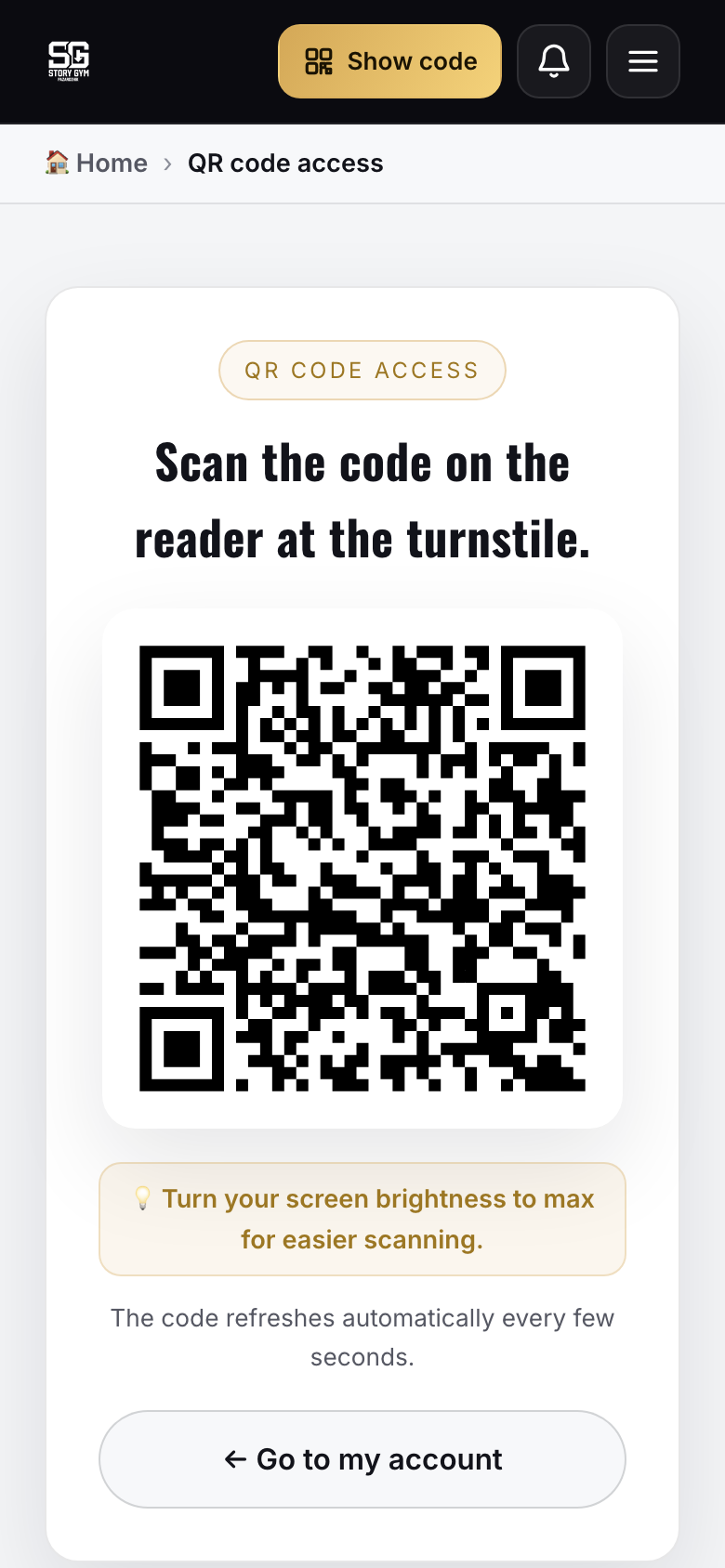
The phone is the membership card. Members hold a QR code to the reader on the turnstile and the door opens — or it does not, and the screen tells them exactly why.
- Rotating QR code
- The code is signed and refreshed constantly. A screenshot or a photo is useless moments later.
- One member, one phone
- A profile is tied to one device. Logging in on a second phone needs your approval, so memberships cannot be passed around.
- Rules checked at the door
- Valid membership, remaining visits, opening hours and daily entry limits are verified on every scan.
- Day passes and guests
- A single entry is bought in the app and used at the turnstile like any other card.
- Works with your hardware
- Any turnstile or door controller with a QR reader that can call a web service.
- Entry log
- Every scan — allowed or refused — is recorded with the reason, so disputes are settled in seconds.
02
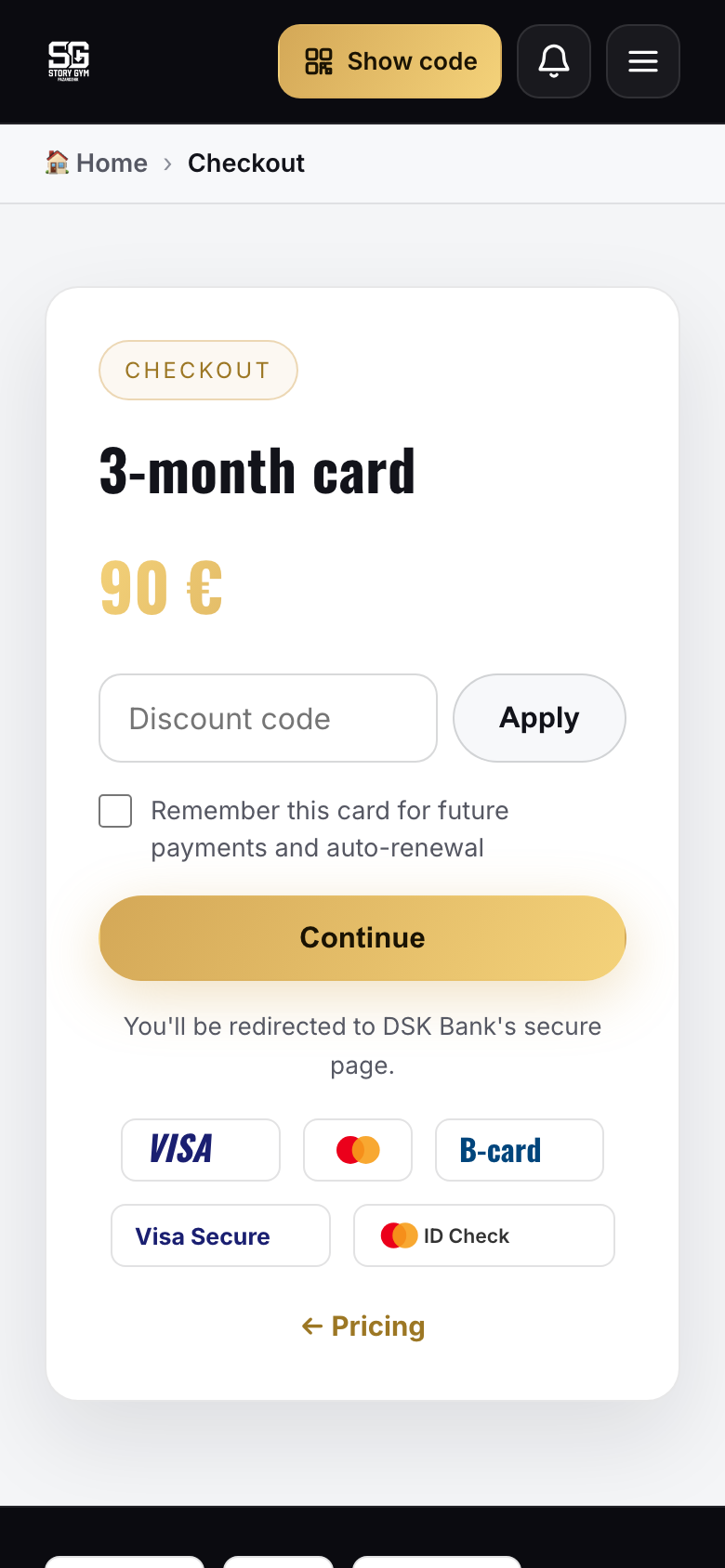
Memberships and payments
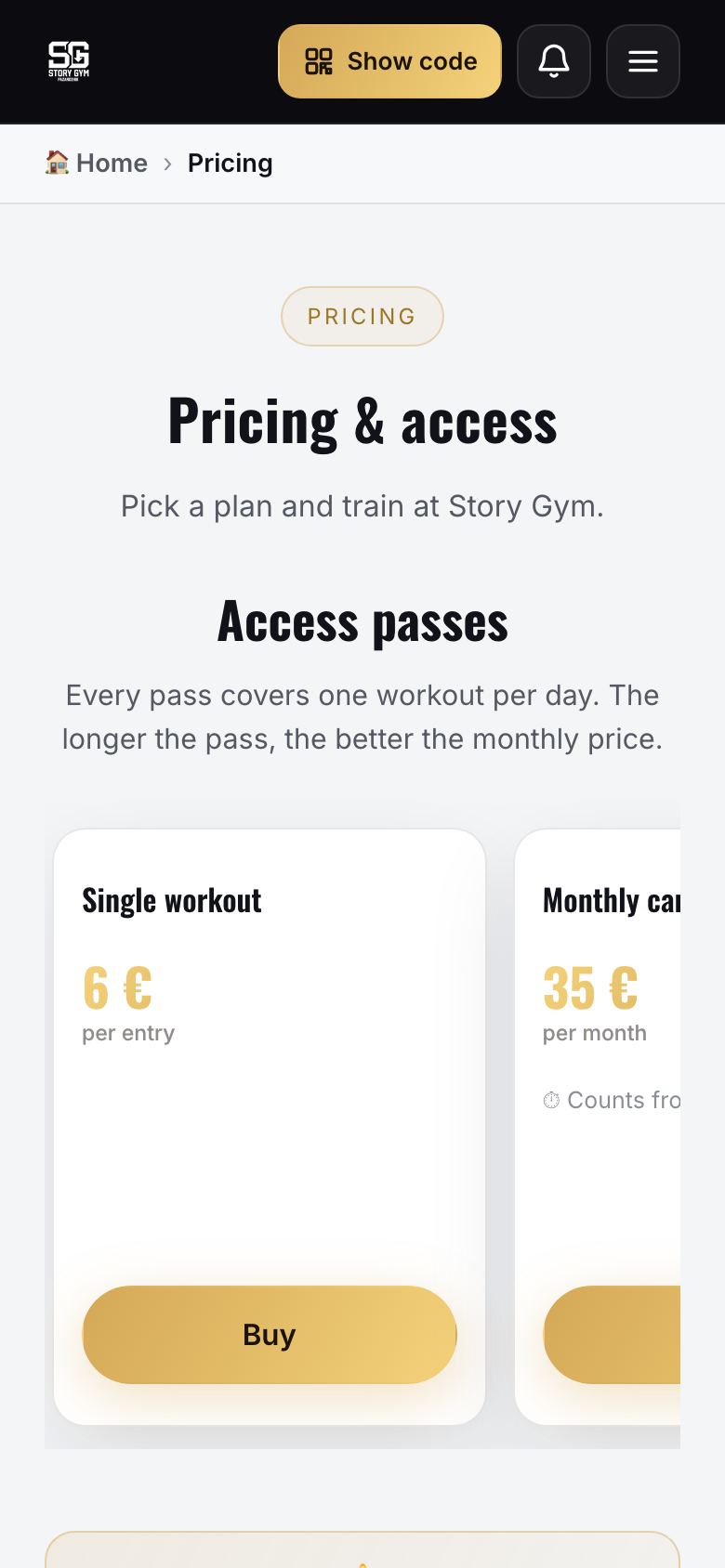
Your price list lives in the app. Members choose a card, pay with their bank card and start training — at 6 a.m. or at midnight, with nobody at the desk.
- Any product you sell
- Monthly, quarterly and annual cards, visit packs, day passes, student and athlete prices.
- Card payments in the app
- Through the virtual POS or payment provider you already use. Money goes straight to your account.
- Promo codes and discounts
- Launch offers, referral codes, percentage discounts for groups you choose.
- Start date the member picks
- A card can be bought today and activated on the first visit.
- Receipts and invoices
- Every order has a receipt; members can request a company invoice themselves.
- Renewal reminders
- Members are told before their card runs out, by push notification and by email.
03
Group class booking
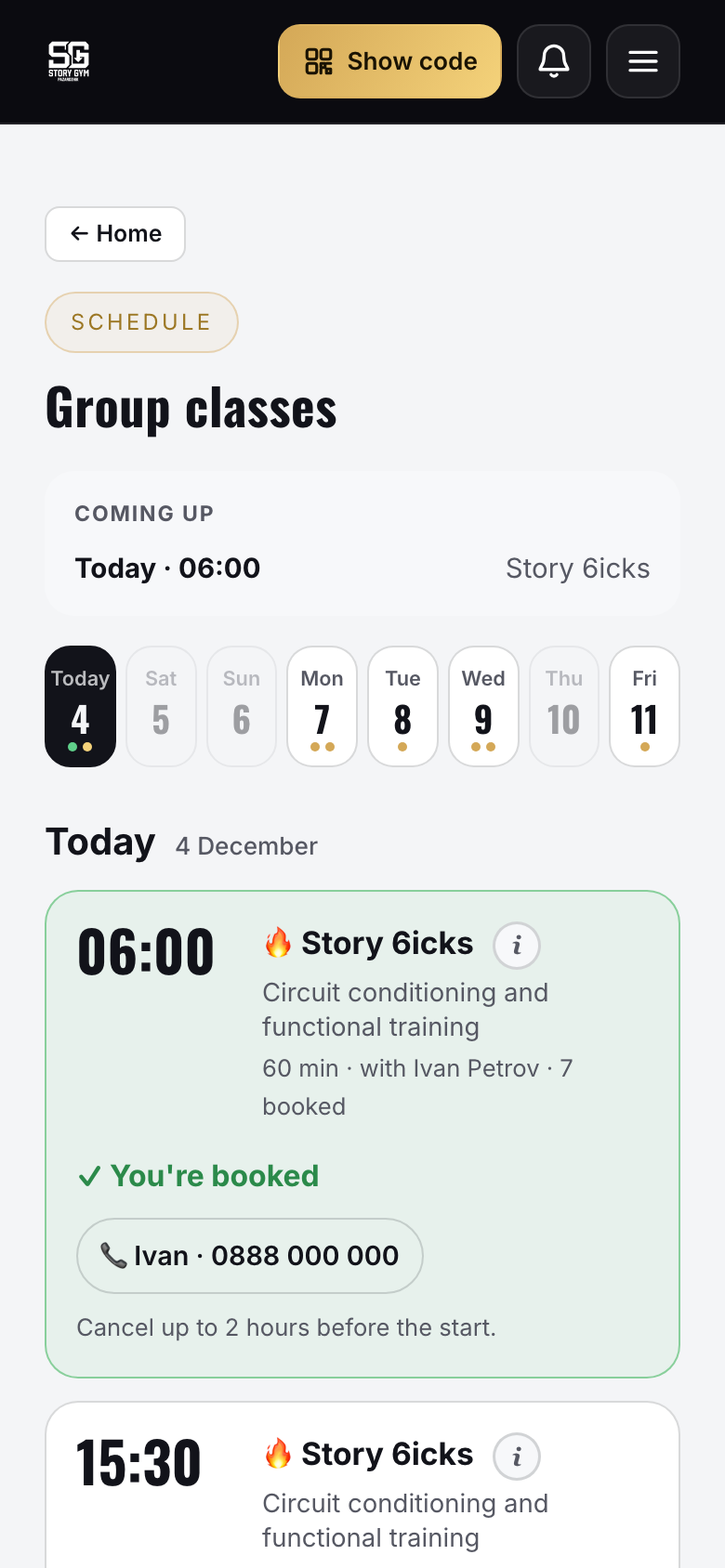
A weekly schedule that fits a phone screen. Members see the days ahead, the free places and the price — and book in two taps.
- Weekly timetable
- Set the days and hours once; sessions appear automatically for the weeks ahead.
- Limited places
- Capacity per class, with live counts of taken and free places.
- Two ways to pay
- Prepay in the app, or reserve and pay the coach directly — you decide per class.
- Fair cancellations
- A member who cancels in time keeps a credit for another session instead of asking for a refund.
- Coach attendance list
- The coach sees who booked, who paid and marks who actually came.
- Coaches own their classes
- Each coach sees and manages only their own sessions; the schedule and the prices stay with the owner.
04
In-app shop and pre-orders
The checkout that sells memberships can sell anything else in your building.
- Food pre-orders
- Members order lunch for a given day; the kitchen gets one clear list of what to prepare.
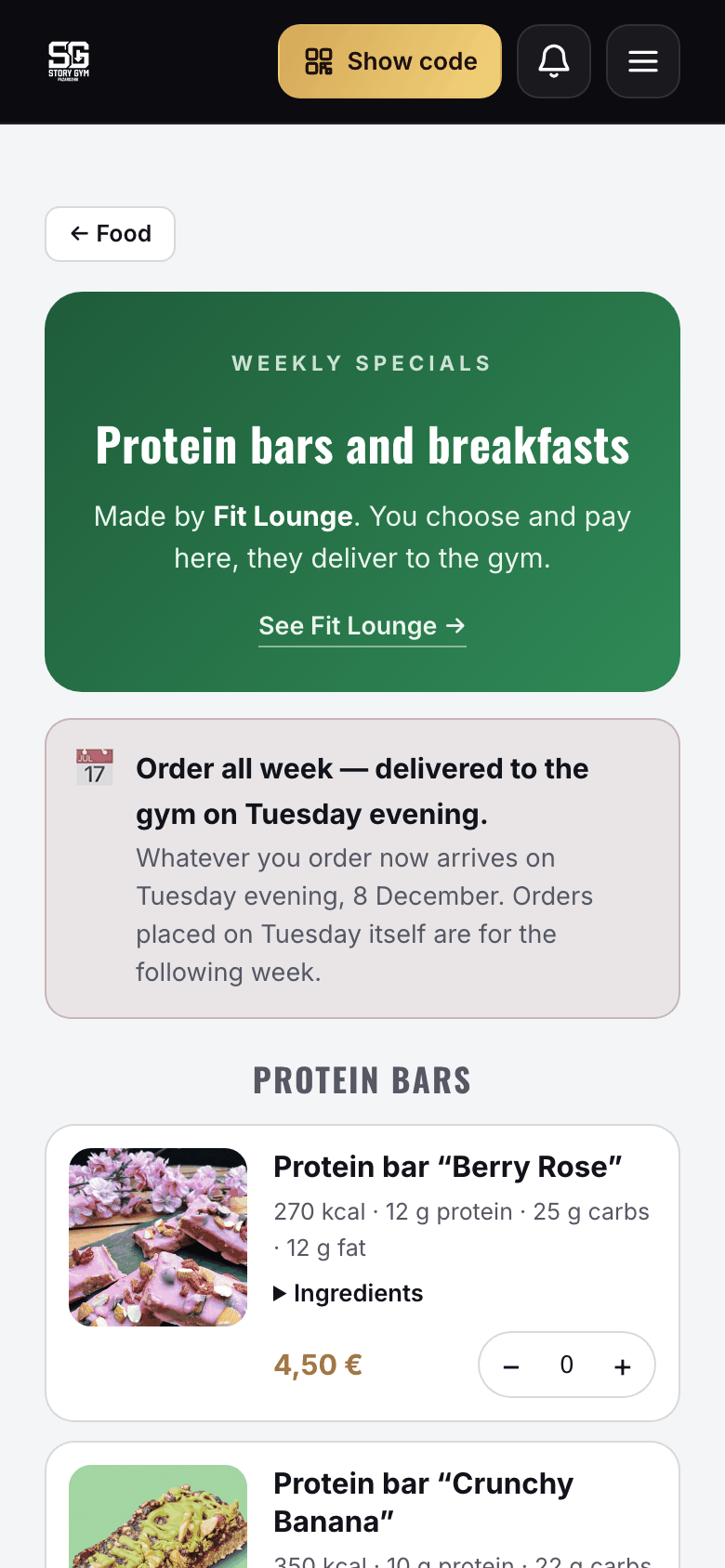
- Weekly offers
- Protein bars, breakfasts, supplements — ordered through the week and handed over on delivery day.
- Subscriptions for extras
- Coffee and water packs that members top up and use at the bar.
- Pick-up tracking
- Staff mark each order as handed over, so nothing is given twice or forgotten.
- Separate payouts
- Different product groups can be paid to different merchant accounts — for example a partner kitchen.
- Arrival notifications
- Members get a push the moment their order is in the gym.
05
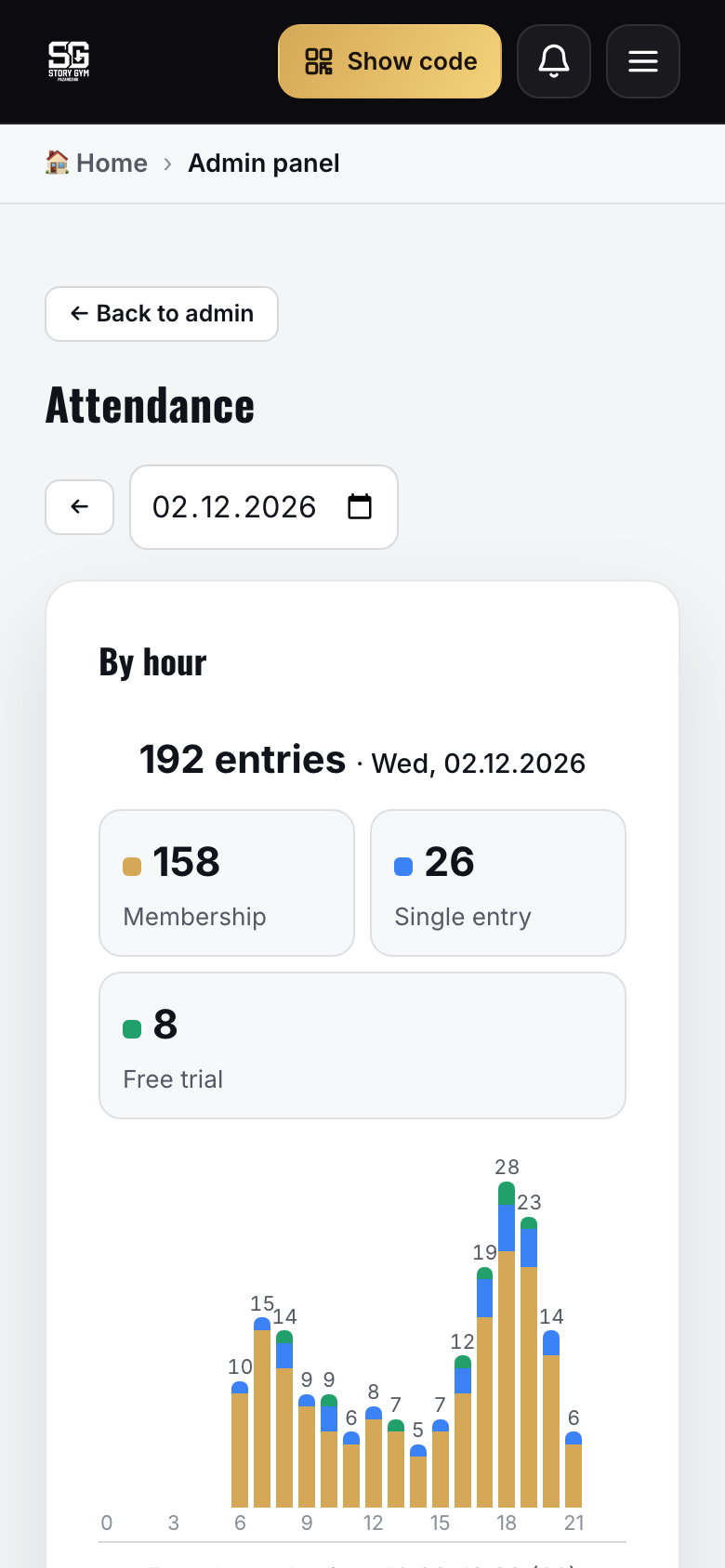
Owner dashboard
Open the admin panel on your phone and you know how the day is going — without calling anyone.
- Live visits
- How many members came today, at what hours, and how the week compares.
- Revenue by product
- Daily and monthly totals, split by membership type, classes and shop.
- Member profiles
- Cards, visits, payments and devices of each member on one screen.
- Support inbox
- Members write from the app; you answer as a conversation and they get a notification.
- Staff tasks
- A shared board and calendar for cleaning, maintenance and everything else that has to happen.
- Roles
- Owner, staff and coach each see only what they need.
06
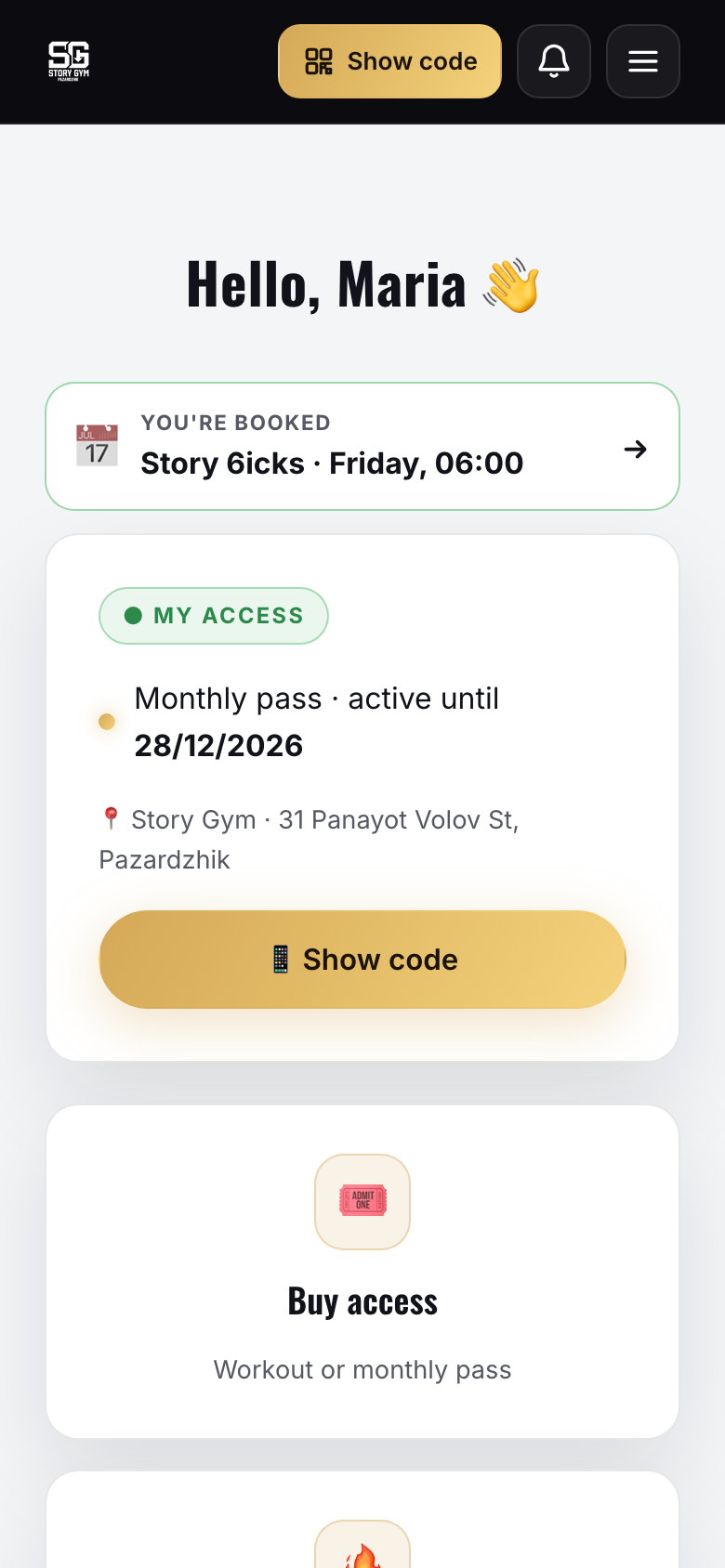
Notifications and member experience
The app is where members hear from you — and where they get answers without waiting for the desk.
- Push and email
- Expiring card, booked class, order arrived, reply from the gym.
- AI assistant
- Answers members' everyday questions from your house rules and their own profile, around the clock.
- Visit history
- Members see their own visits and payments, so they do not need to ask.
- Two languages
- Each member uses the app in the language they choose.
- Light and dark theme
- Follows the phone, or the member's own choice.
- Installs like an app
- Opens from the home screen, with builds for iOS and Android under your name.
07
White label and hosting
We run the technology. Your members only ever see your gym.
- Your identity
- Name, logo, colours and your own domain.
- Your own database
- Each gym runs on a separate installation with a separate database — your members' data is never mixed with anyone else's.
- Hosted on Cloudflare
- A global edge network, so the app answers fast and the turnstile never waits.
- Nightly backups
- Automatic backups of the whole database, every night.
- Updates included
- Everything we build for one gym reaches every gym, at no extra cost.
- GDPR ready
- Privacy policy, consent and account deletion are built into the app.
Missing something your gym cannot work without?
Tell us. gym.ceo is developed continuously alongside a working gym, and most requests we hear turn into features.